Nuxt Stripe — The Right Way to Integrate Stripe into a Nuxt 3 Application
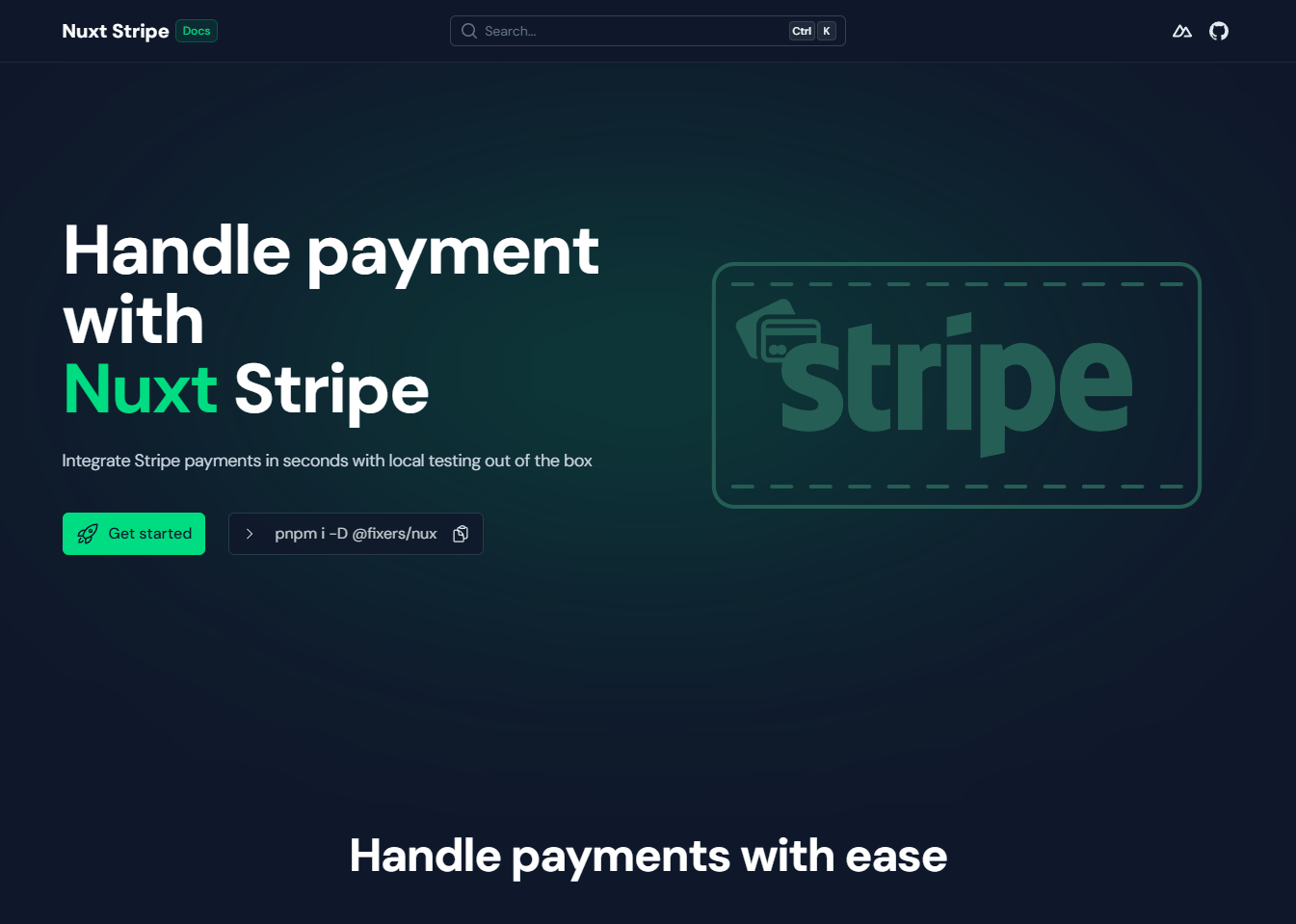
A Nuxt 3 module that provides a simple way to integrate Stripe into your project.
https://nuxt-stripe.fixers.dev
The Problem Nobody Was Solving Well
Every SaaS application eventually needs to collect money. And in the current frontend landscape, that means Stripe. Stripe is the de-facto standard — not because it is the cheapest, not because it has the simplest API, but because it has the most complete one. Subscriptions, one-time charges, invoicing, metered billing, tax handling, Strong Customer Authentication for European regulations — it is all there. The problem is not Stripe. The problem is the gap between what Stripe ships and what a Nuxt developer actually gets to work with on a Monday morning.
When Luca surveyed the existing options for integrating Stripe into a Nuxt 3 project, the situation was exactly what any experienced developer would expect after spending a weekend searching npm: a handful of abandoned repositories, a few wrappers so thin they barely justified their own existence, and a lot of Stack Overflow answers that amounted to "just use the CDN script tag and call window.Stripe()". The community tutorials that did exist — like Accepting payments with Stripe, Nuxt.js and Vercel and Integrating Stripe Payment Elements in Nuxt 3 — demonstrate the problem precisely: every team reinvents the same boilerplate, and commenters immediately report "Stripe is undefined" and race conditions the moment they try to run it. Not an answer. Not for production. Not for a team.
The core friction is structural. Stripe.js is a browser SDK. It loads asynchronously, it manages its own iframe-based elements to handle PCI compliance, and it emits events in a model that was designed before the Vue Composition API existed. Nuxt applications are server-side rendered — or at minimum server-side generated — which means any naive integration immediately runs into the classic problem: window is not defined. You add a <ClientOnly> wrapper. Then you realise the Stripe constructor is being called before the script has finished loading. Then you add a onMounted hook. Then you realise you need to pass the Stripe instance to a child component. Then you pass it as a prop, then as provide/inject, and by the time the payment form works you have accumulated three different files of glue code that you did not intend to write.
This is the problem Luca decided to solve. Not by patching the rough edges. By building the abstraction layer from the ground up.
The Architecture
The module ships as a proper Nuxt module — meaning it hooks into the Nuxt build pipeline, not just the runtime. This distinction matters more than it sounds. A module that only provides runtime utilities is essentially a library. A module that hooks into the build pipeline can do things like auto-import composables, inject the Stripe.js script with the correct defer strategy, configure the public runtime config with the publishable key, and do all of this without the developer having to write a single line of setup beyond adding the module to nuxt.config.ts.
Configuration is intentional in its simplicity. The publishable key goes in the Nuxt config under the module options. There is no initialisation ceremony, no manual script injection, no global variable setup. The module handles all of it, and the result is that the developer's first meaningful line of Stripe-related code is the first line that actually does something — creating a payment intent, mounting a card element, handling a confirmation.
The server side is equally considered. Nuxt applications have a server directory. That is where webhook handlers live, where payment intent creation happens, where subscriptions get managed. The module provides a server-side Stripe instance accessible through the Nuxt server utilities, configured via environment variables following the conventions Nuxt already establishes for secrets. The same configuration file controls both sides without requiring the developer to maintain two separate initialisation patterns.
The <StripeElement> Component
This is where the real engineering lives. Stripe's hosted payment elements — the Card Element, the Payment Element, the IBAN Element — are not native DOM inputs. They are iframes managed by Stripe, mounted by JavaScript, and communicating through a custom event API. They need to be created, mounted to a DOM node, destroyed when the component unmounts, and re-created when the appearance or options change. Getting this lifecycle correct in a Vue component is genuinely non-trivial.
Most implementations skip the hard parts. The standard tutorial approach shows exactly this pattern: 30+ lines of manual onMounted initialisation, manual element mounting with no cleanup, hardcoded billing details passed directly to confirmPayment, and DOM manipulation via document.querySelector inside Vue components. They mount the element in onMounted and never clean it up. They recreate it on every render instead of calling the .update() method when options change. They do not handle the case where the component unmounts before the element has finished loading. They expose the underlying Stripe element instance in a way that forces the consumer to reach into the component internals with a template ref, which breaks encapsulation and makes testing impossible.
The StripeElement.vue implementation handles all of these cases. The element is mounted once and updated when options change, using the correct Stripe API rather than destructive remounting. The cleanup runs in onBeforeUnmount, which fires before the DOM node is removed — the correct hook, not the more commonly misused onUnmounted. The component exposes a clean interface: the underlying element instance is available through defineExpose if you need it for programmatic operations like .focus(), but the common cases — submitting a payment, retrieving a PaymentMethod — are handled by the composable layer rather than requiring direct element access.
The event model is fully typed. When Stripe fires a change event on a Card Element, that event has a specific shape: it tells you whether the input is complete, whether there is an error, what brand of card was detected. The <StripeElement> component types its emitted events to match that shape. This means that when you write the handler in your parent component, TypeScript knows what you are receiving. You do not have to look up the Stripe documentation to remember whether the error is at event.error or event.error.message. The type system already knows.
The Typing Work
The TypeScript work behind this module deserves particular attention because it is the kind of work that is invisible when it is done well and catastrophic when it is done badly.
Stripe's type definitions are extensive — the @stripe/stripe-js package ships thousands of lines of TypeScript definitions covering every API surface. The challenge is not that the types do not exist. The challenge is bridging them correctly into Vue's component model. Vue's emit types, Vue's expose types, the way generic types interact with Vue's defineComponent — these are not always clean surfaces to work against. There are edge cases where TypeScript's type inference gives up and falls back to any, silently removing the safety you thought you had.
Luca worked through these edge cases. The StripeElement component's prop types correctly constrain which options object is valid for which element type — you cannot pass Card Element options to a Payment Element without a type error. The event handler types are inferred from the element type rather than being manually declared, which means they stay correct as Stripe updates their type definitions. The composables return properly typed Stripe instances — not Stripe | null handled with optional chaining everywhere, but properly narrowed types that reflect whether initialisation has completed.
For a team of five developers working on a SaaS product, this typing work means the difference between a payment implementation where bugs surface in code review and one where bugs surface in production. That gap is not abstract — it is the difference between a two-minute fix and a midnight incident.
The Documentation Site
The documentation site runs on Nuxt UI and lives at nuxt-stripe.fixers.dev. The site is functional, the examples are practical, and the API reference covers the module's public surface. It was built using an older version of Nuxt UI — a choice that was pragmatic at the time, now a mild technical debt that does not affect the module itself.
What the documentation gets right is prioritising the practical over the complete. The landing page shows you how to install the module and mount a card form in under twenty lines. The API section covers every configurable option. The examples include both the simple case — a one-time payment — and the complex case — a subscription flow with setup intents and mandate collection for European banking regulations. The person reading the documentation is assumed to be competent; the docs do not spend three paragraphs explaining what Stripe is.
What This Solves in Practice
Consider the typical Nuxt SaaS stack: Nuxt for the frontend and API routes, a PostgreSQL database, a third-party email provider, and Stripe for billing. Without this module, the Stripe integration becomes its own mini-project. You write a Stripe plugin to handle script loading. You write a composable to expose the Stripe instance. You write a component to wrap the payment element. You write the server-side handler with its own initialisation. You maintain all of it when Stripe's API changes.
With this module, the integration is a dependency. You configure it once, you use the composables it provides, and when Stripe ships an API update the module absorbs the change. The code you write is the code that matters to your application: the UX of your checkout flow, the logic of your pricing tiers, the handling of failed payments. The infrastructure that makes Stripe work in Nuxt is not your problem anymore.
That is the measure of a well-designed module. Not lines of code saved, though those matter. But the degree to which it correctly identifies the boundary between framework concerns and application concerns, and then owns the framework side completely so the developer can focus entirely on the application side.